
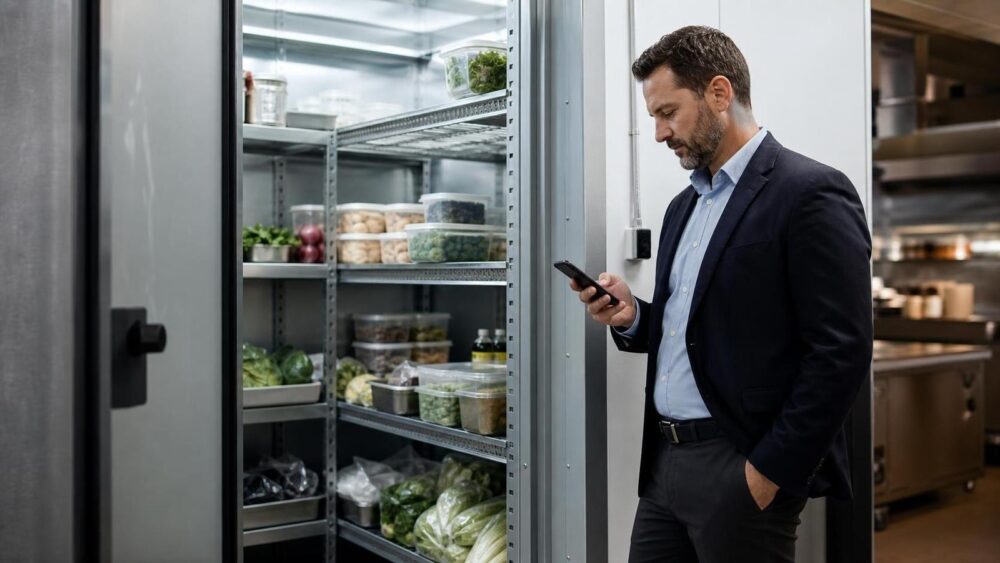
A refrigerator can look normal during a scheduled check and still drift out of range two hours later. That gap is the real problem for restaurants. Automatic fridge temperature monitoring closes it by collecting readings continuously, warning the right person when conditions change, and keeping a history the team can review.
This guide follows the full restaurant workflow—from a temperature reading to a staff response. It also explains where automation helps, where human judgment is still required, and which operational problems restaurants should address before choosing any monitoring system.
Restaurants automate fridge temperature monitoring by placing sensors in refrigerators, freezers, and cold rooms; connecting them to a gateway and monitoring platform; setting alert rules; and assigning a clear response procedure. The technology detects and records the change. Staff still need to verify the condition, protect the food, identify the cause, and document the action taken.
Why Manual Fridge Checks Miss Problems
Manual checks provide a snapshot. They do not show what happened between readings, after closing, or while no one was near the equipment. A completed paper log can therefore coexist with an undetected refrigeration problem.
- Checks can be delayed or skipped during service, deliveries, or staff changes.
- Overnight failures remain invisible until the next shift arrives.
- Short checks hide the trend before and after a temperature excursion.
- Paper records are fragmented and difficult to compare across multiple units or locations.
- A thermometer cannot assign action when a door is left open or equipment begins to fail.
These are not theoretical concerns. One food-service customer told us its team had been recording readings from refrigeration control panels approximately every hour. Another food manufacturer checked every two to four hours and kept paper logs, but reported that deviations could still go unnoticed until the problem became serious. Automatic monitoring does not make those risks disappear; it makes them visible sooner.
What Happens Between a Reading and a Staff Alert
An effective monitoring workflow is a chain. Every link needs to work:
A sensor or probe collects the temperature at the chosen point.
A hub or gateway sends readings to the monitoring platform.
Alert rules compare readings with the configured limits and delay.
The designated employee or manager receives the alert.
Staff verify the condition, protect stock, and record the action.
The monitoring system should not be evaluated only by sensor accuracy or wireless range. A restaurant also needs to ask: Who receives an alert? How quickly can that person check the unit? What happens if the first person does not respond? Where is the corrective action recorded? Those questions determine whether a reading becomes a useful operational response.
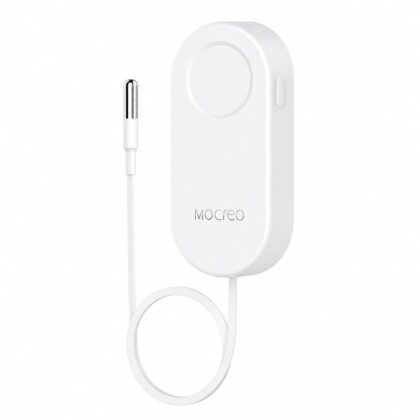
Keep the sensor outside. Put the probe where temperature matters.
The MOCREO MS2 uses a thin external probe for refrigerator and freezer monitoring. Keeping the wireless sensor body outside a metal cabinet can support a more reliable connection while the probe measures inside. Remote alerts require a compatible MOCREO Hub.
View MS2 specifications →A Day in an Automatically Monitored Restaurant Kitchen
Before opening
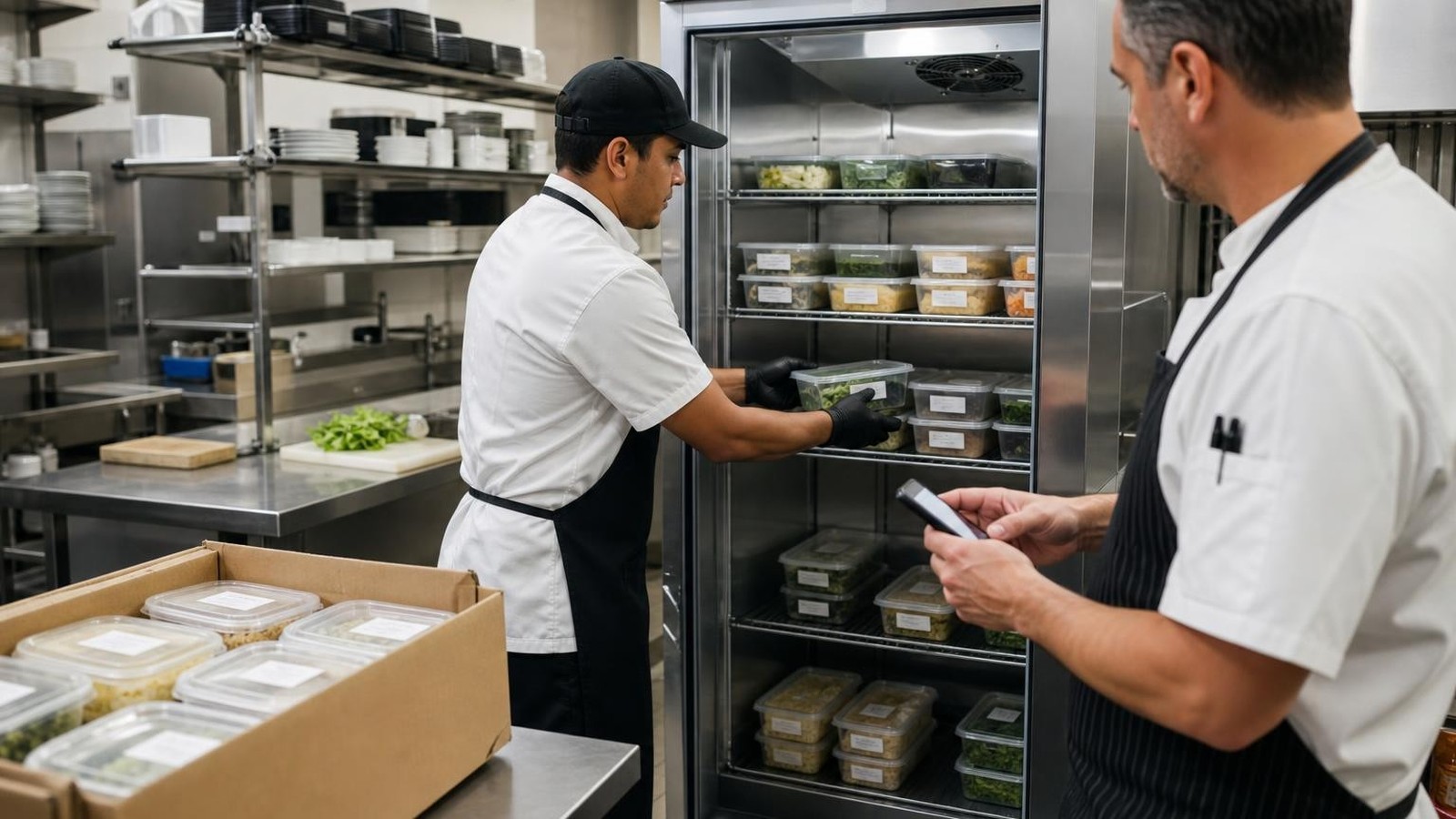
The opening manager reviews current temperatures and any overnight alerts before food preparation begins. This is faster than visiting every unit first, but the manager should still inspect any unit that shows an unusual reading, communication gap, or repeated alert.
During deliveries and preparation
Doors may stay open while products are loaded, and warm items or frequent access can cause a temporary rise. The system continues recording, while alert delay settings help distinguish a short operational event from a condition that persists. The correct delay depends on the equipment, workflow, product, and internal safety procedure; it should not be copied blindly from another restaurant.
During the service rush
Staff do not need to stop repeatedly to write down every reading. If a condition crosses the configured rule, the assigned person receives an alert and follows the response procedure. This reduces routine transcription while keeping responsibility clear.
After closing
Monitoring continues when the building is empty. Overnight visibility is one of the most important differences between scheduled checks and continuous monitoring. A food-storage customer reported that a previous logging-only system gave no warning during a weekend breakdown; the issue was not noticed for two days. Continuous alerts are intended to shorten that discovery time, provided notifications and escalation contacts are configured and tested.
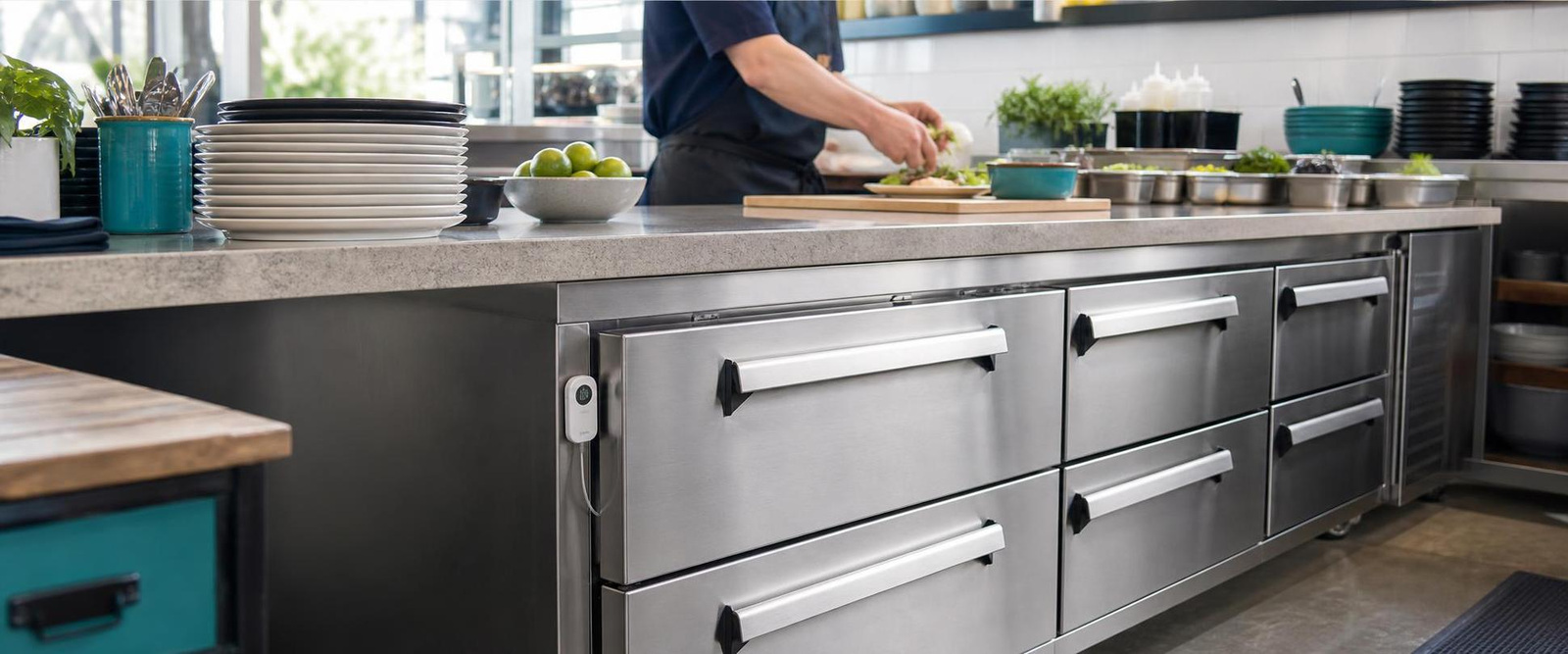
Finding Problems Before They Become Losses
Automatic monitoring can reveal patterns that a single thermometer reading cannot:
| What the data shows | Possible issue to investigate | Staff response |
|---|---|---|
| A rapid rise after access | Door left open, heavy loading, or warm product | Close and inspect the unit; verify recovery |
| A slow upward trend | Cooling performance, airflow, seal, or maintenance issue | Check equipment and escalate if the trend continues |
| Repeated excursions at the same time | Routine loading, defrost cycle, or workflow mismatch | Review operations before changing alert rules |
| No recent readings | Power, battery, connectivity, range, or device issue | Inspect the monitoring chain, not only the refrigerator |
| An overnight limit breach | Equipment failure or door problem while unstaffed | Follow the escalation and food-assessment procedure |
A sensor indicates that something needs attention; it does not diagnose the mechanical cause or decide whether food is safe. Restaurants should use their own food-safety plan, equipment guidance, and applicable requirements when assessing products after an excursion.
Avoiding False Alarms During Real Restaurant Operations
More alerts do not automatically mean better protection. If ordinary door openings trigger constant notifications, employees may begin to ignore them. Restaurants need alert rules that recognize normal operations without masking a real failure.
- Observe the normal pattern. Review how temperatures behave during deliveries, preparation, cleaning, and defrost cycles.
- Place the sensor deliberately. Avoid a position that measures only a blast of warm air at the door or direct cold airflow unless that is the intended control point.
- Use an appropriate delay. Allow expected short events to recover, but do not extend the delay simply to silence alerts.
- Separate warning from escalation. The first alert can go to on-site staff; a persistent condition can be escalated to a manager.
- Review repeated alerts. Repetition may reveal a workflow or maintenance problem that should be corrected rather than filtered out.
A restaurant and kitchen-lab operator using approximately 15 monitoring points told us that managing alert schedules across many sensors was difficult. The customer requested centralized scheduling at hub level and more flexible data export. These are valuable operational requirements to consider, but they are customer-requested improvements—not a statement that every requested function is currently available.
Who Gets the Alert—and What Happens Next?
An alert without an owner is only a notification. Define the response before the system goes live:
- Acknowledge the alert and identify the affected unit.
- Check the current reading and recent temperature trend.
- Inspect the door, power, airflow, controller, and obvious equipment condition.
- Verify with an independent method when required by the restaurant’s procedure.
- Protect or move products according to the internal food-safety plan.
- Escalate persistent or unexplained conditions to the manager or service provider.
- Record the cause, action, responsible person, and resolution time.
- Confirm that temperature and communication have returned to normal.
Test notifications under realistic conditions. Confirm that the app is allowed to send notifications, that contacts are current, and that someone is responsible outside business hours. One customer specifically reported concerns about phone notifications when the app had not been opened recently and requested a phone-call escalation option. That feedback illustrates why restaurants should test the complete notification path instead of assuming that device installation alone completes the project.
Three Food Businesses That Changed Their Workflow
From hourly panel readings to automatic alerts
A restaurant-supply business operating cold-storage rooms previously recorded readings from refrigeration control panels approximately every hour. The customer reported that monitoring streamlined the process and helped alert staff to malfunctions that could affect product quality.
Managing approximately 15 points across a restaurant and kitchen lab
A catering operator uses sensors for refrigerators and freezers storing raw materials such as vegetables and meat. The customer identified temperature monitoring, automatic alarms, and database storage as the core functions it needed. Its feedback also exposed the next operational challenge: managing schedules and exports efficiently as the number of sensors grows.
Reducing paper checks across 10–20 refrigeration units
A food-safety software provider supports retail customers with approximately 10–20 refrigerators or freezers at each site. These locations had historically used manual probes and paper records. The provider reported that connected sensors were easy for staff to use and saved its customers at least one hour per day. It also requested calibration certificates, corrective-action recording, and weekly manual-check features to improve audit readiness. These are customer-reported results and requested enhancements, not guaranteed outcomes or a list of currently available functions.
The Weekly 10-Minute Review That Keeps Monitoring Reliable
Automation still needs routine supervision. Assign one person to review the monitoring system each week:
- Check every sensor’s latest reading and communication status.
- Review low-battery or offline indications.
- Compare an appropriate manual reference reading according to internal procedure.
- Review alerts, response times, and unresolved repeated patterns.
- Confirm that notification recipients and after-hours contacts are current.
- Export or retain records according to the business’s own policy.
- Document corrective actions outside the platform if the required field or workflow is not available.
This short review can reveal a dead battery, poor placement, notification setting, recurring door issue, or incomplete response record before the next incident.
Build the Right Monitoring Workflow for Your Restaurant
Start with the operation, not the product list. Count the monitoring points, identify the hardest locations to reach, define who needs alerts, and decide how staff will respond.
| Restaurant situation | Workflow priority | What to confirm before purchase |
|---|---|---|
| A few refrigerators or freezers in one area | Simple setup, clear alerts, easy daily review | External-probe sensor such as MS2, compatible Hub coverage, notification method |
| Many units, cold rooms, or multiple work areas | Central visibility, naming, escalation, record handling | Sensor capacity, hub compatibility, range, data export, scheduling workflow |
MOCREO offers connected temperature-monitoring options for food-storage environments, but the correct configuration depends on the refrigerator or freezer type, number of points, building layout, required temperature range, and alert workflow. Product compatibility and current availability should be confirmed before ordering.
Monitor Refrigerators and Freezers with MS2
Place the thin external probe inside the cold space while keeping the wireless sensor body outside. Add a compatible MOCREO Hub for remote readings and alerts.
View MS2The Bottom Line
Automatic fridge monitoring works best as a response system—not just a stream of temperature readings. Sensors make changes visible, alerts bring the right person into the workflow, and routine reviews help teams identify repeated door, equipment, power, or connectivity problems.
For restaurants, the practical goal is straightforward: place the probe correctly, define realistic alert rules, assign clear responsibility, and verify that every incident reaches a documented resolution.
Customer examples in this article are anonymized and based on feedback received by MOCREO. Reported benefits reflect those customers’ experiences and are not guaranteed outcomes. Monitoring technology supports—but does not replace—a restaurant’s food-safety procedures, equipment maintenance, staff training, or professional judgment.